Invite Team Members
In Graystack:One, you can easily invite new team members to enhance collaboration and increase your team's efficiency. This guide will show you how to add team members to your organization.
What You Will Learn
Navigating to the invitation area
Creating a new invitation
Selecting the role for the new team member
Completing the invitation process
1. Navigating to the Invitation Area
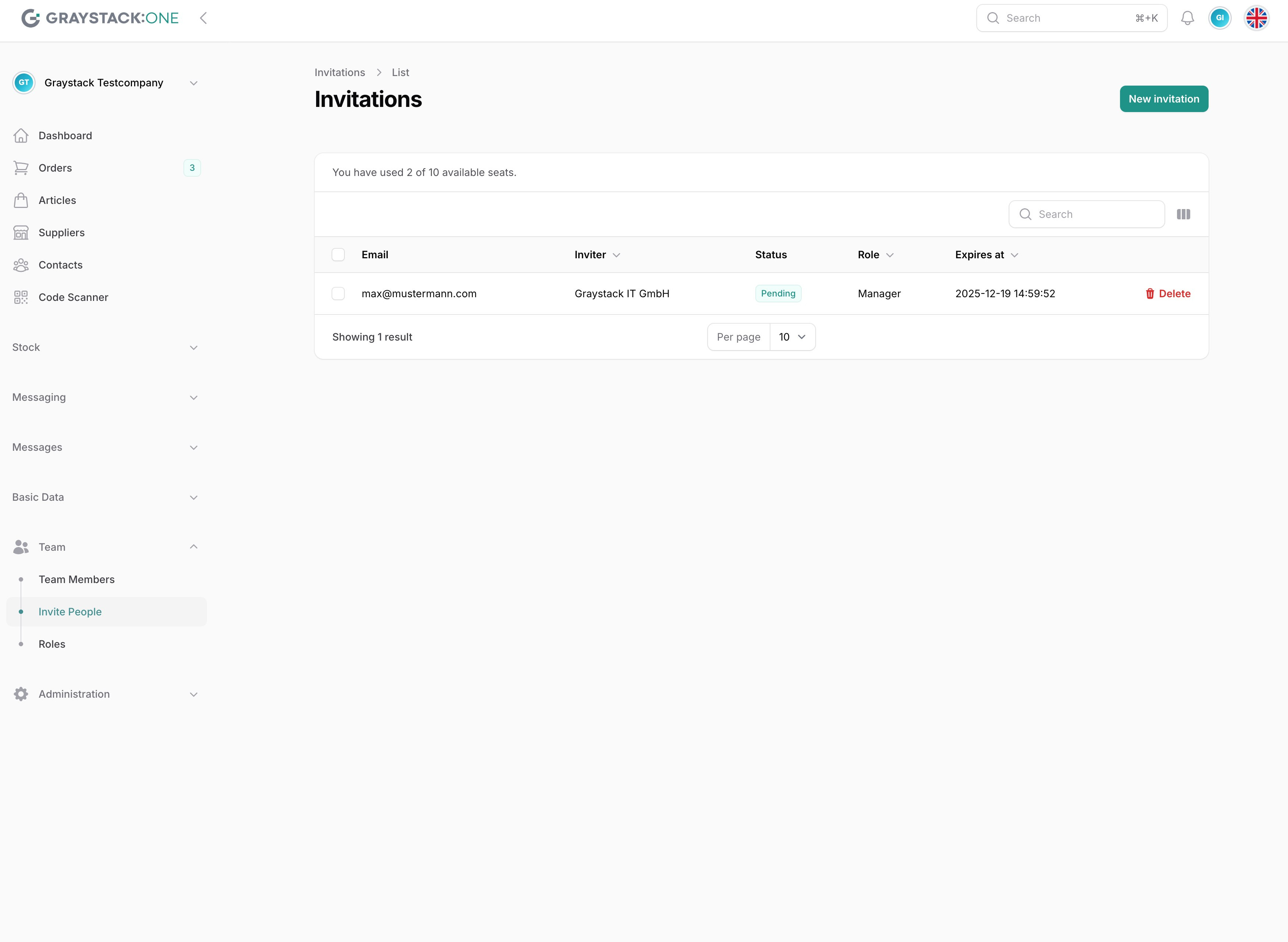
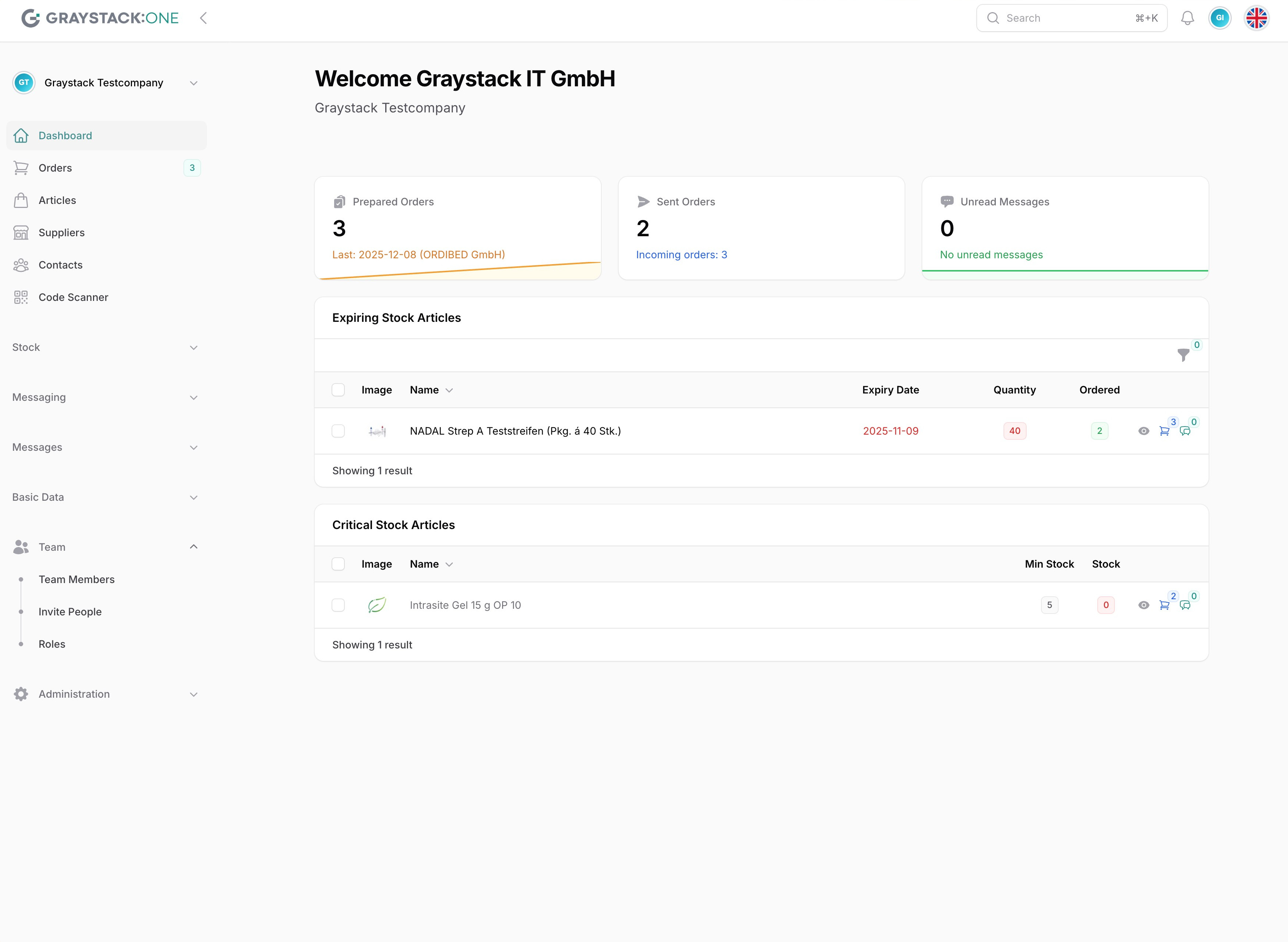
To invite a new team member, first open Graystack:One and log into your account. Then, go to 'Team' in the main menu on the left side and click on 'Invite'. This will open the invitation area.
2. Creating a New Invitation
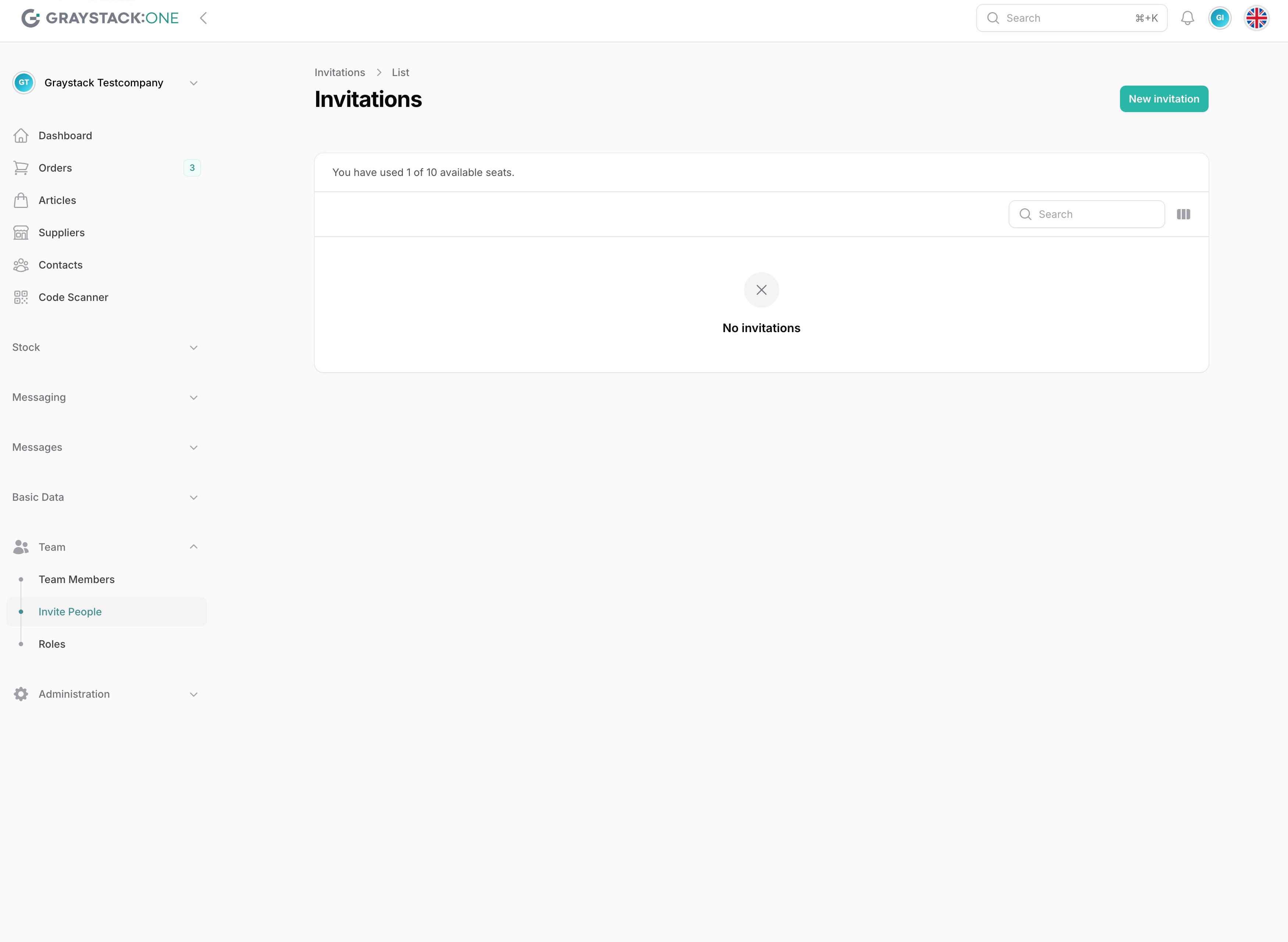
Click the 'New Invitation' button in the invitation area. This will open a form where you can enter the details of the invitation.
3. Selecting the Role for the New Team Member
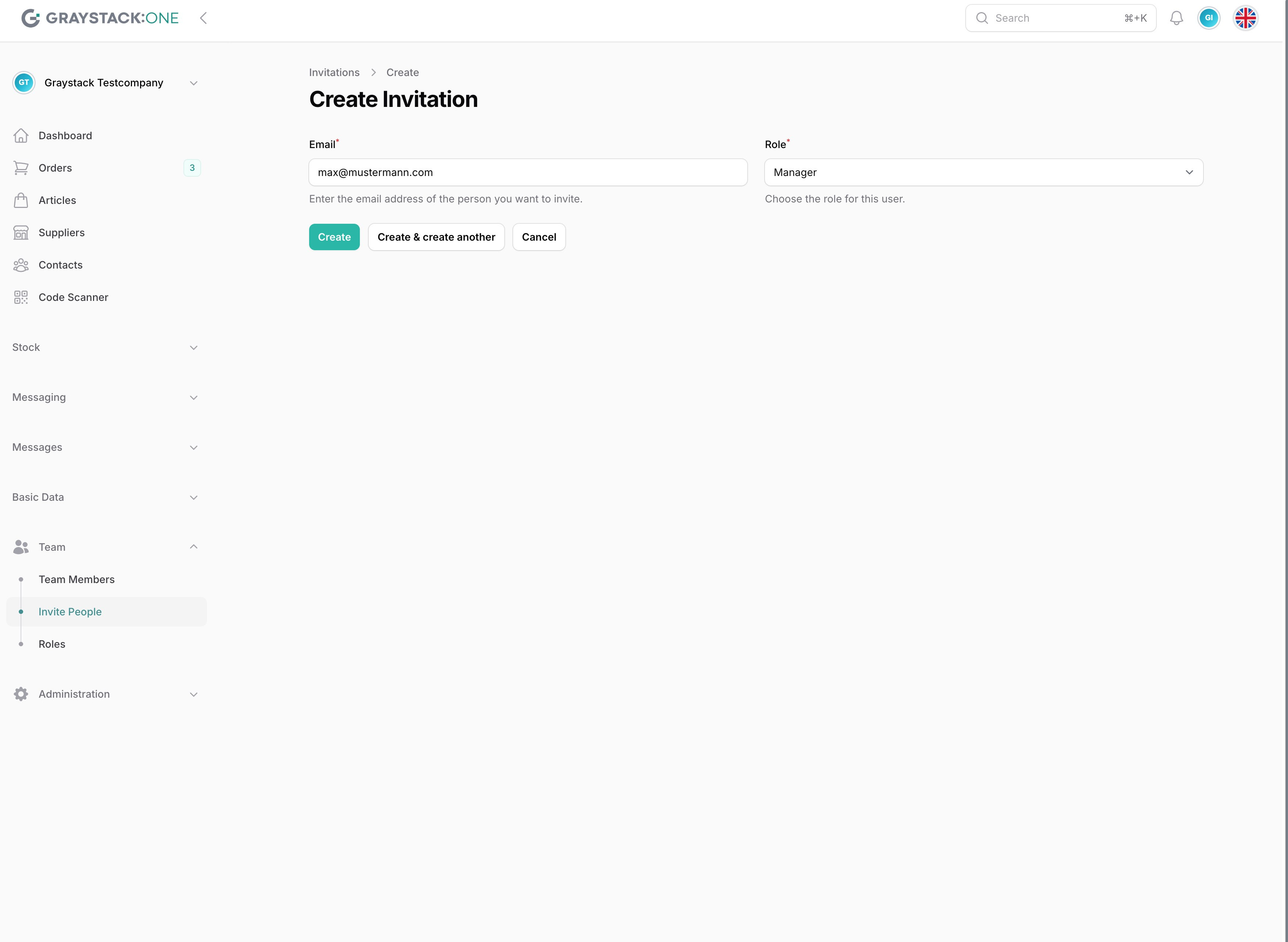
Enter the email address of the new team member and select the appropriate role from the dropdown menu. Roles can have different permissions and access levels, so it is important to select the correct role.
4. Completing the Invitation Process
After you have entered the email address and role, click 'Create' to complete the invitation. The new team member will receive an email with a link to accept the invitation.