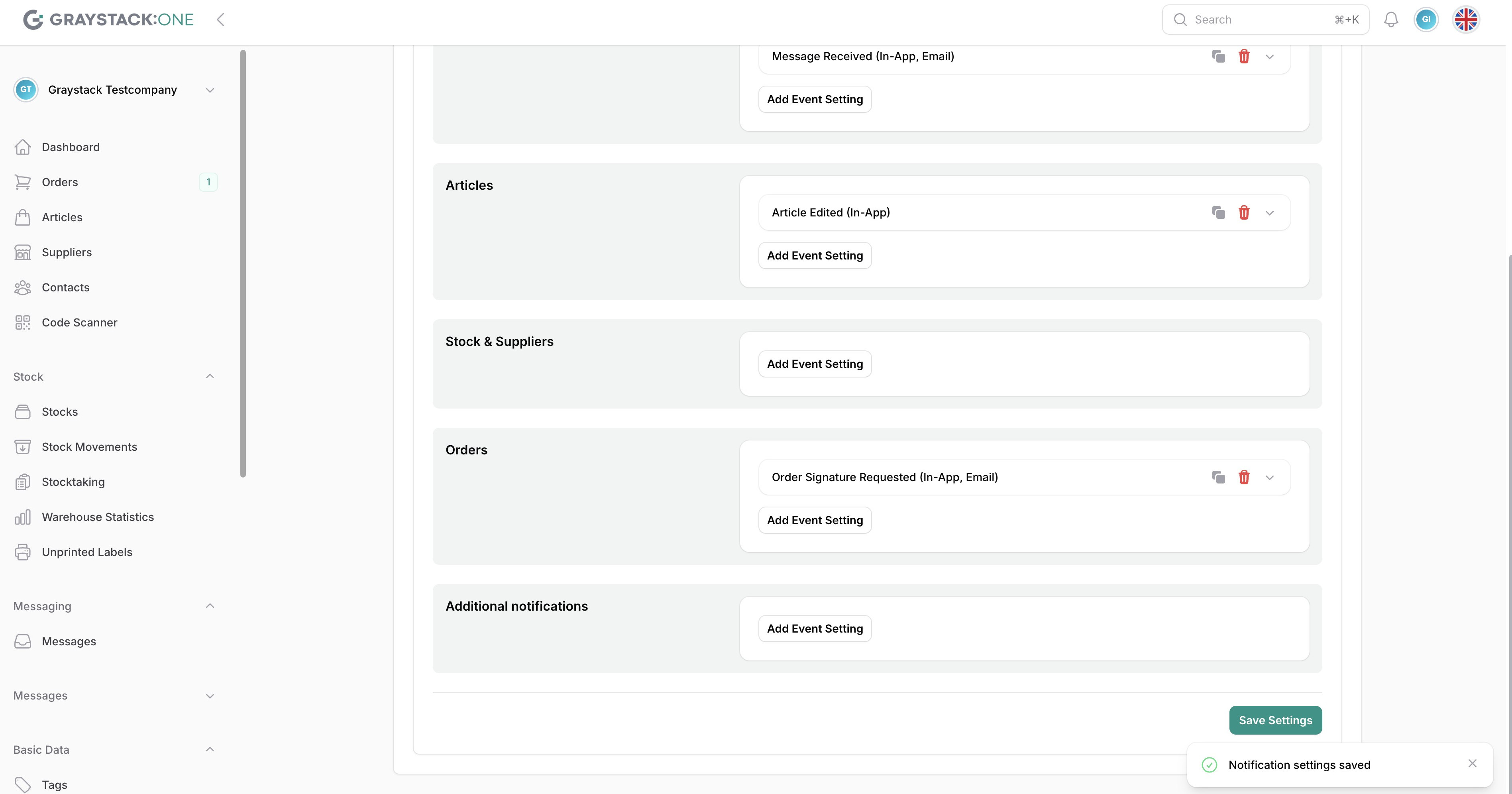
Notifications
In this article, you will learn how to customize notification settings in Graystack:One to stay informed about important events. This feature allows you to configure notifications according to your individual needs.
What you will learn
Opening the notification menu
Navigating to the notification settings
Adding and customizing notifications
Saving the settings
1. Navigating to notification settings
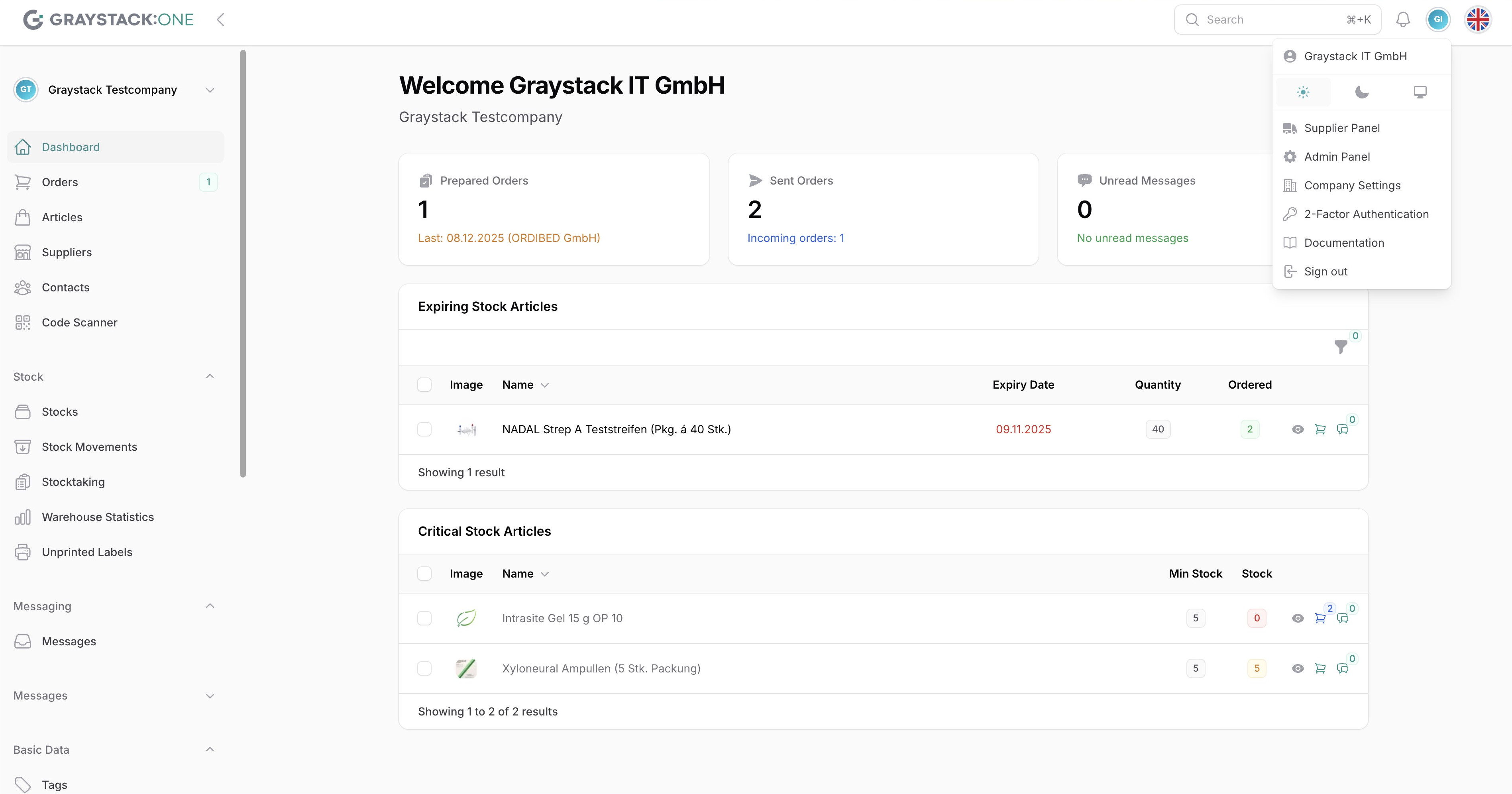
Click on your profile picture in the upper right corner and select "Notifications" from the drop-down menu.
2. Add and customize notifications
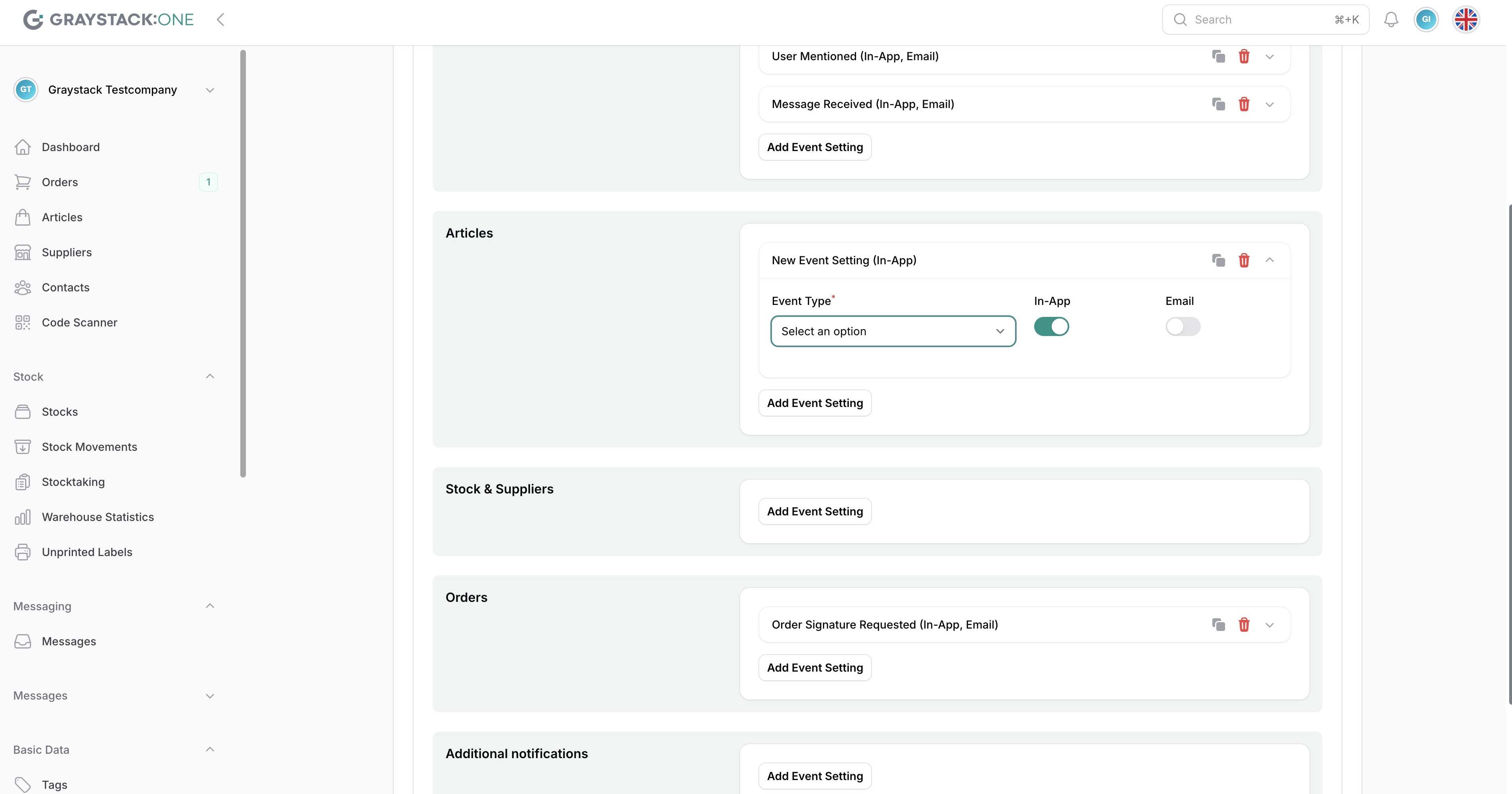
In the notification settings, you can add new events and customize existing notifications. Select the type of notification and the event type (in-app or email).
4. Saving your settings
After you have configured your settings, click "Save Settings" to apply the changes.