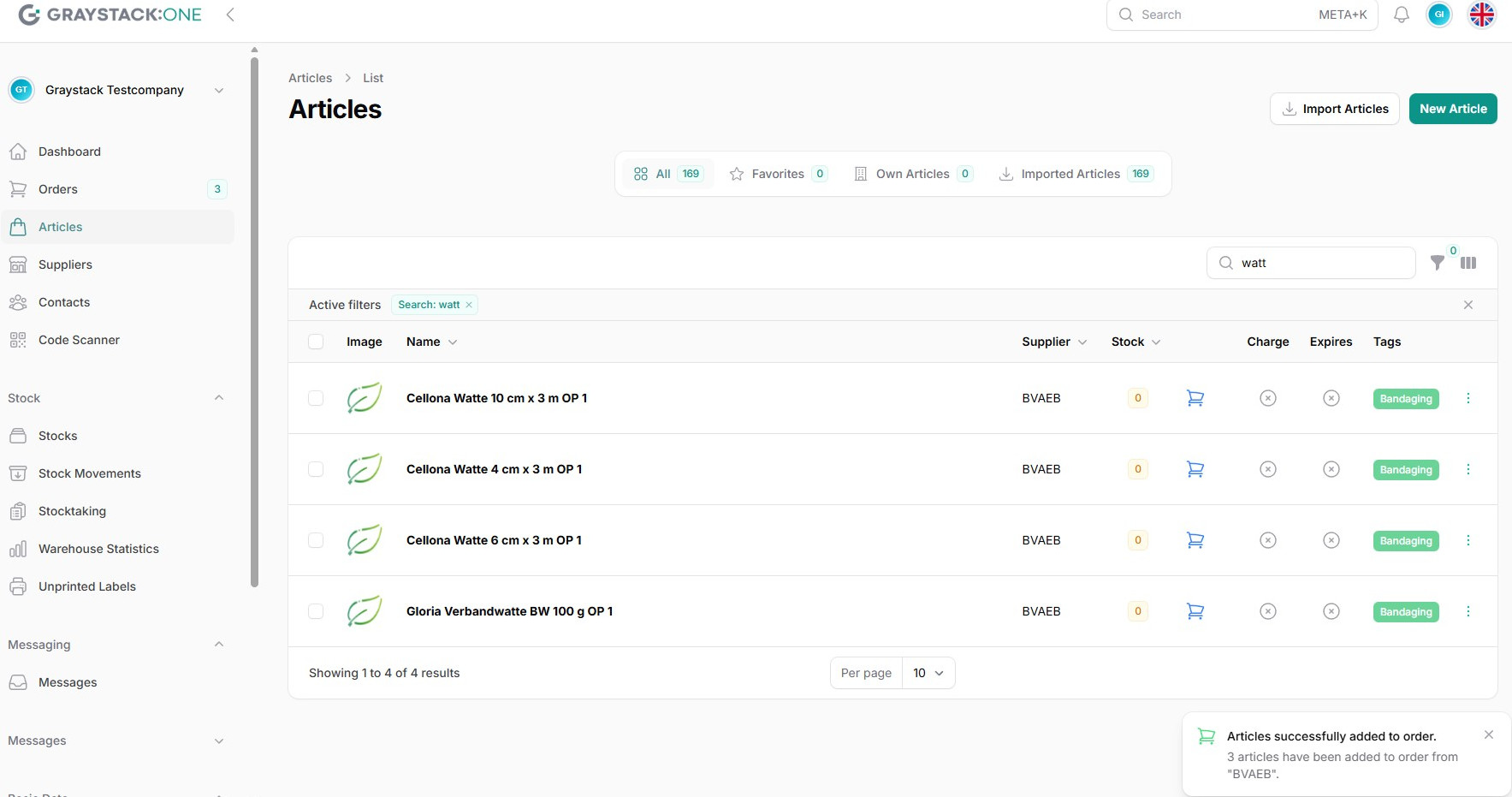
Create order via the product list
This guide explains how to create an order via the product list in Graystack:One. This feature allows you to efficiently configure and complete orders based on the product list.
What You Will Learn
Navigate to the product list in Graystack:One.
Select products for the order.
Configure order quantities and suppliers.
Complete the order.
Step 1: Navigate to the Product List
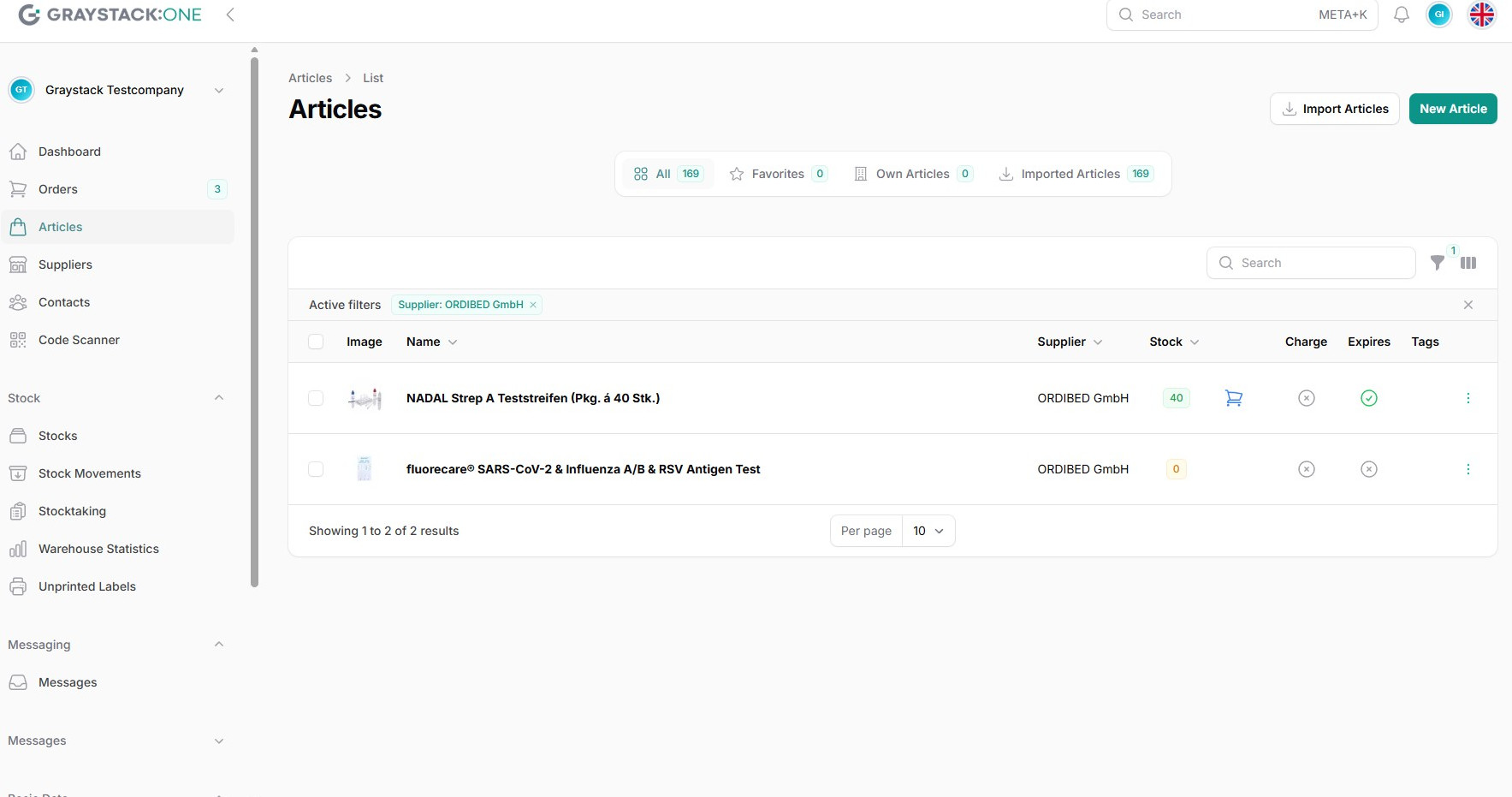
Open Graystack:One and navigate to the product list in the main menu. Here you will see all available products ready for ordering.
Step 2: Select Products
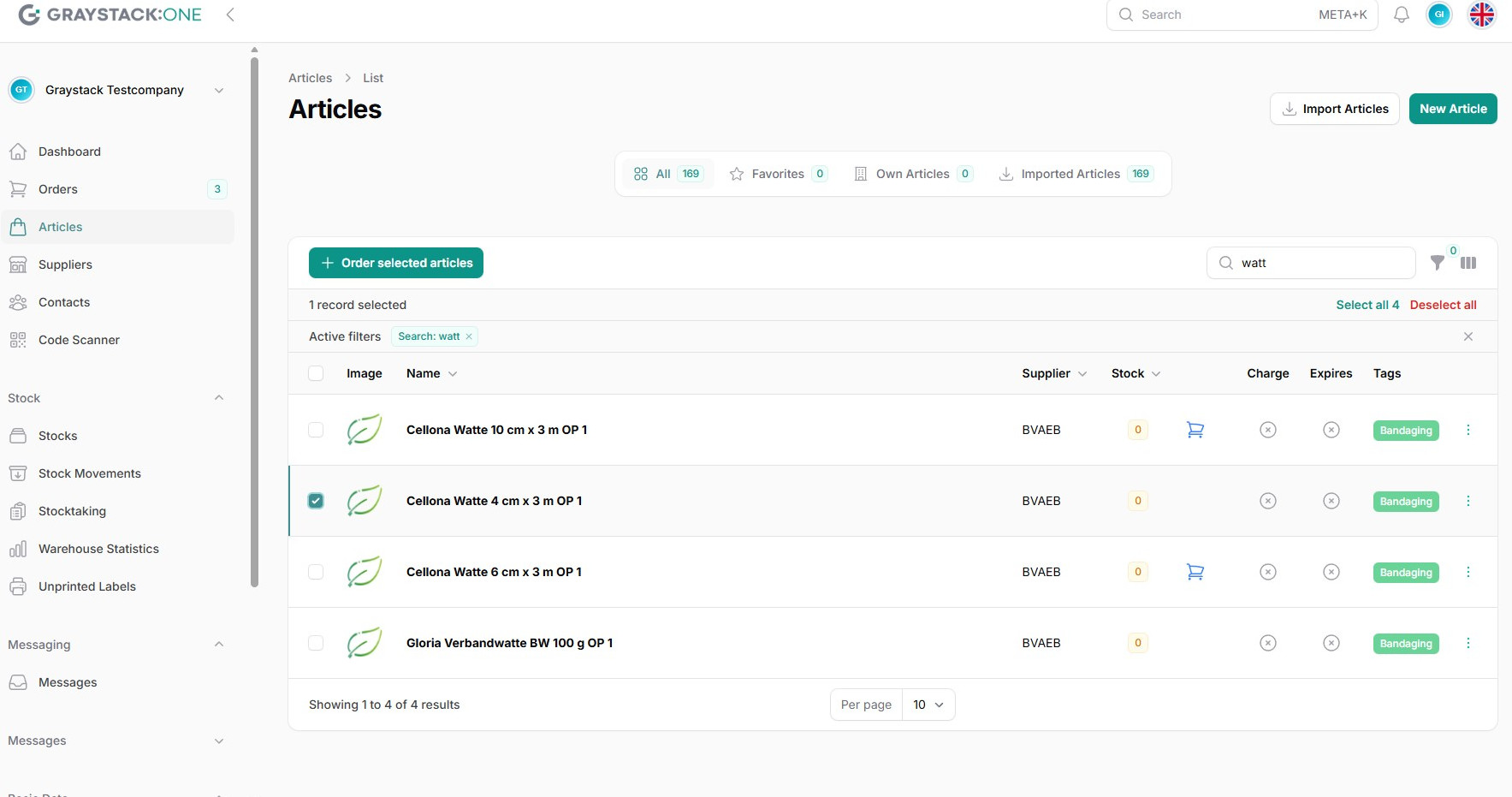
Select the products you wish to order. You can select multiple products and mark them for ordering.
Step 3: Configure the Order
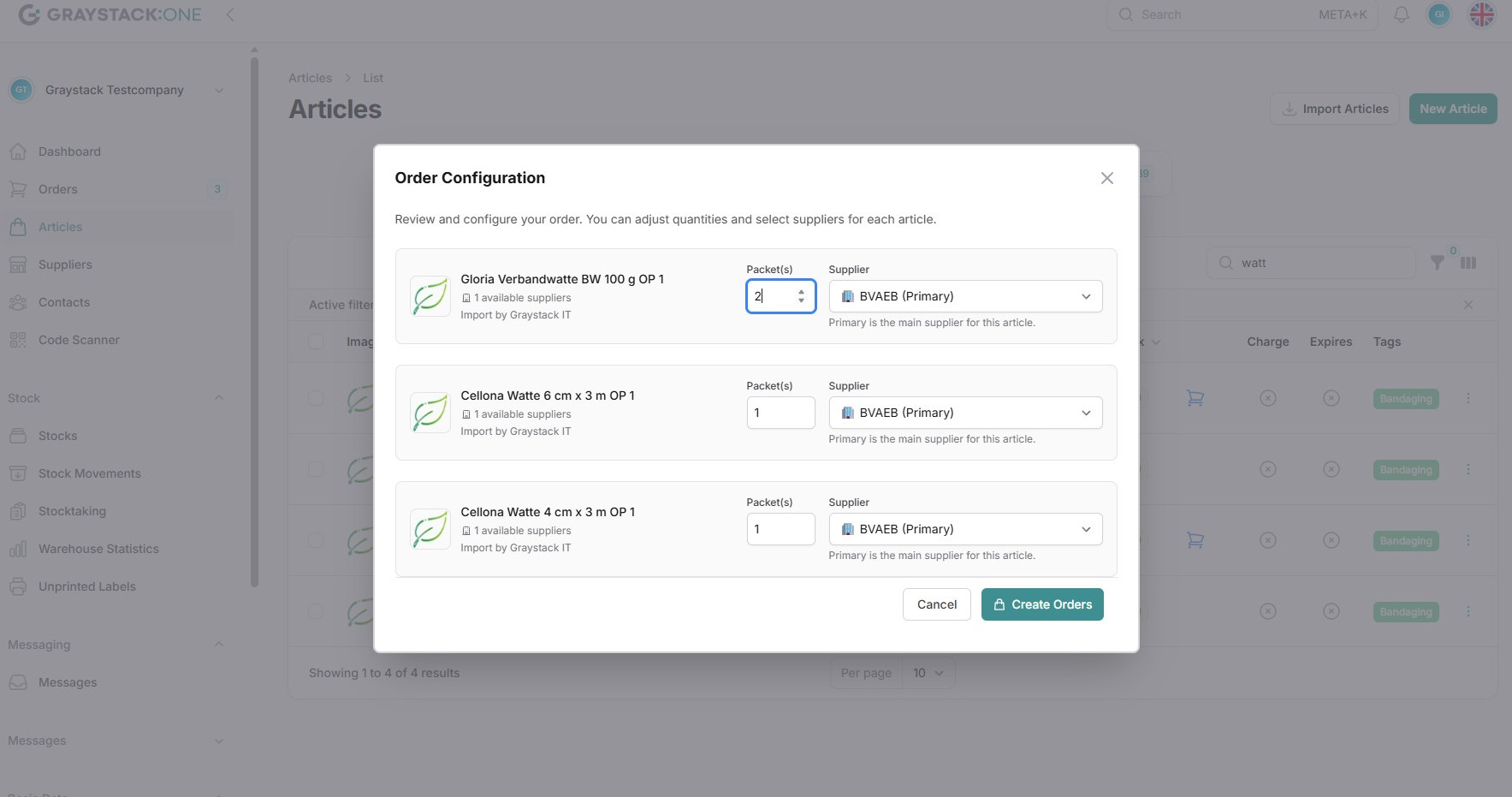
Click on 'Order selected articles' to open the order configuration. Here you can adjust the quantities and choose the supplier for each product.
Step 4: Complete the Order
After completing the configuration, click 'Create Orders' to finish the order. A confirmation message will indicate that the products have been successfully added to the order.