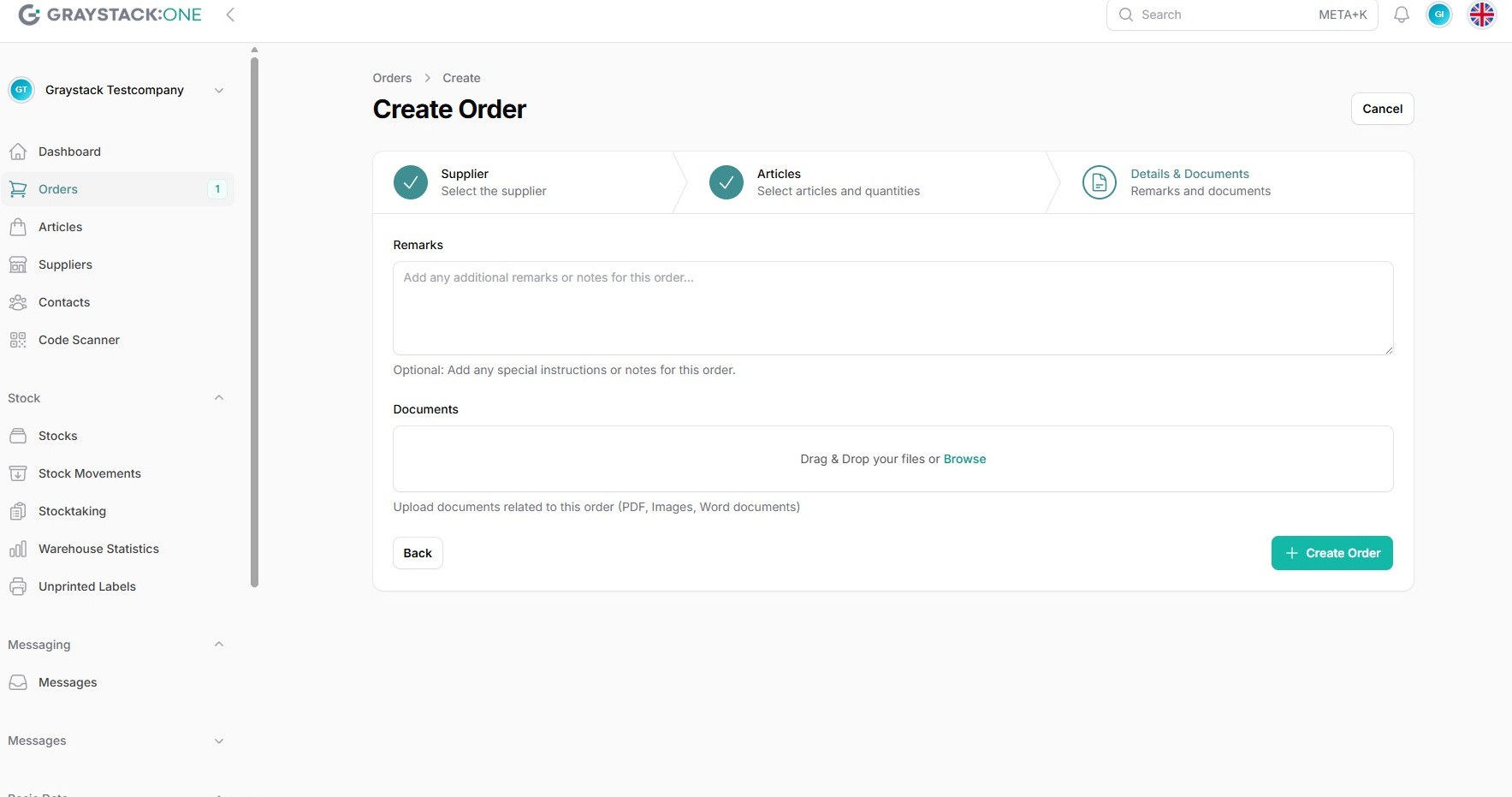
Creating Orders
In Graystack:One, orders can be created in various ways to make the ordering process efficient. This article outlines the steps required to create orders.
What You Will Learn
Navigating to the Orders Section
Creating a New Order
Adding Items to an Order
Configuring Order Quantities and Suppliers
Completing the Order
Navigating to the Orders Section
To create an order, navigate to "Orders" in the main menu. Here you will find an overview of all existing orders.
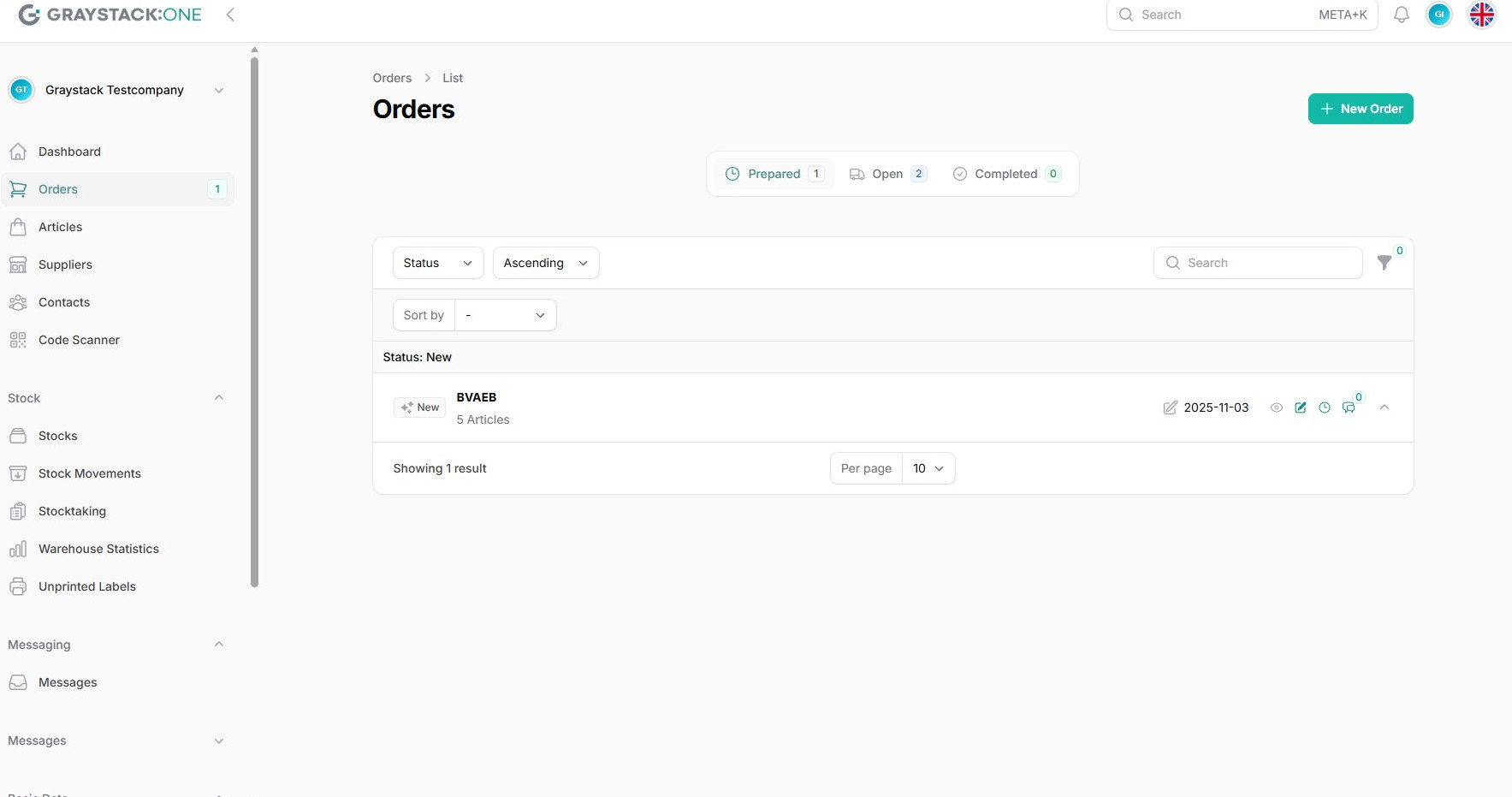
Creating a New Order
Click on "New Order" to start the ordering process. You will be prompted to select a supplier.
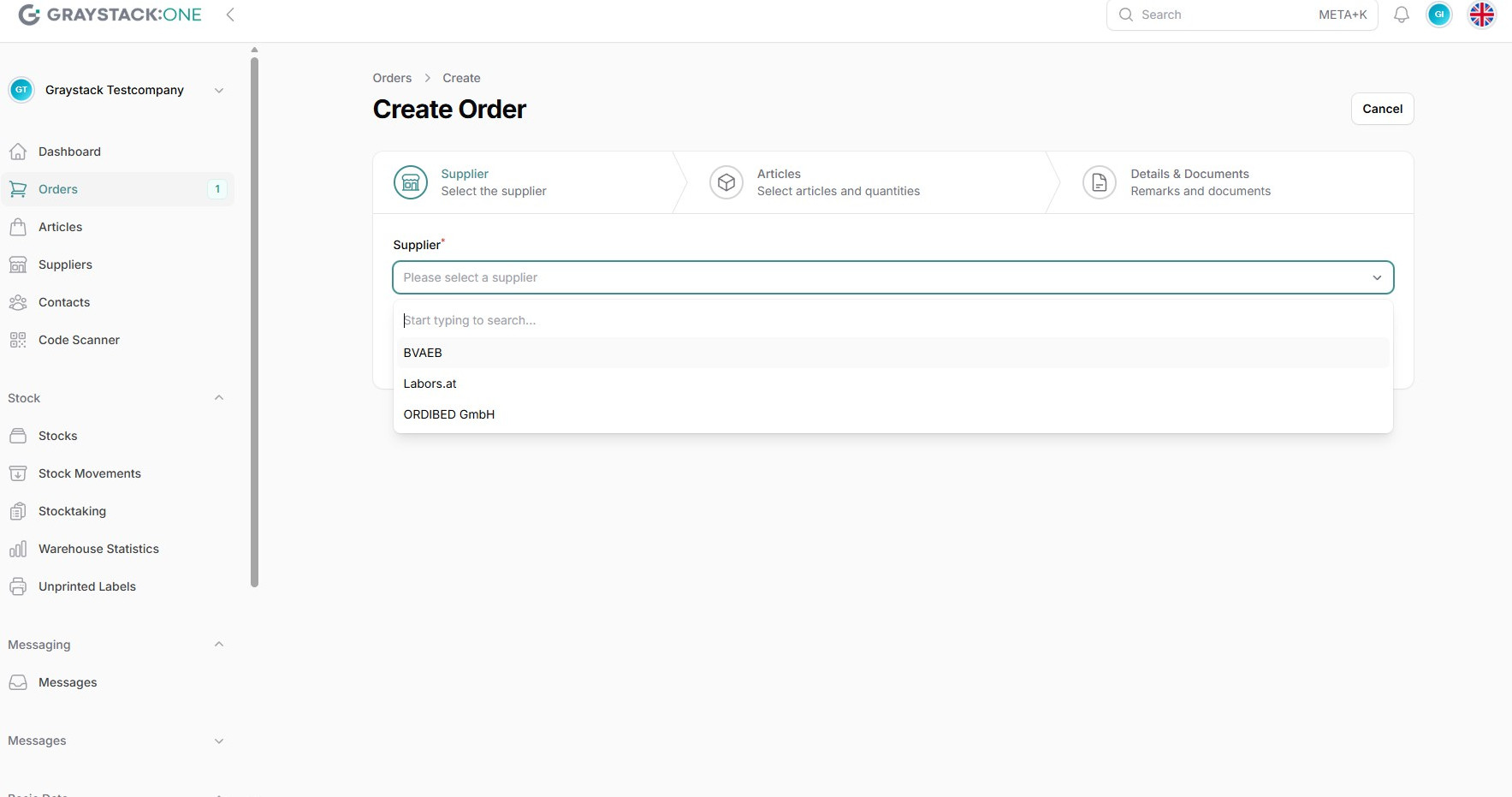
Adding Items to an Order
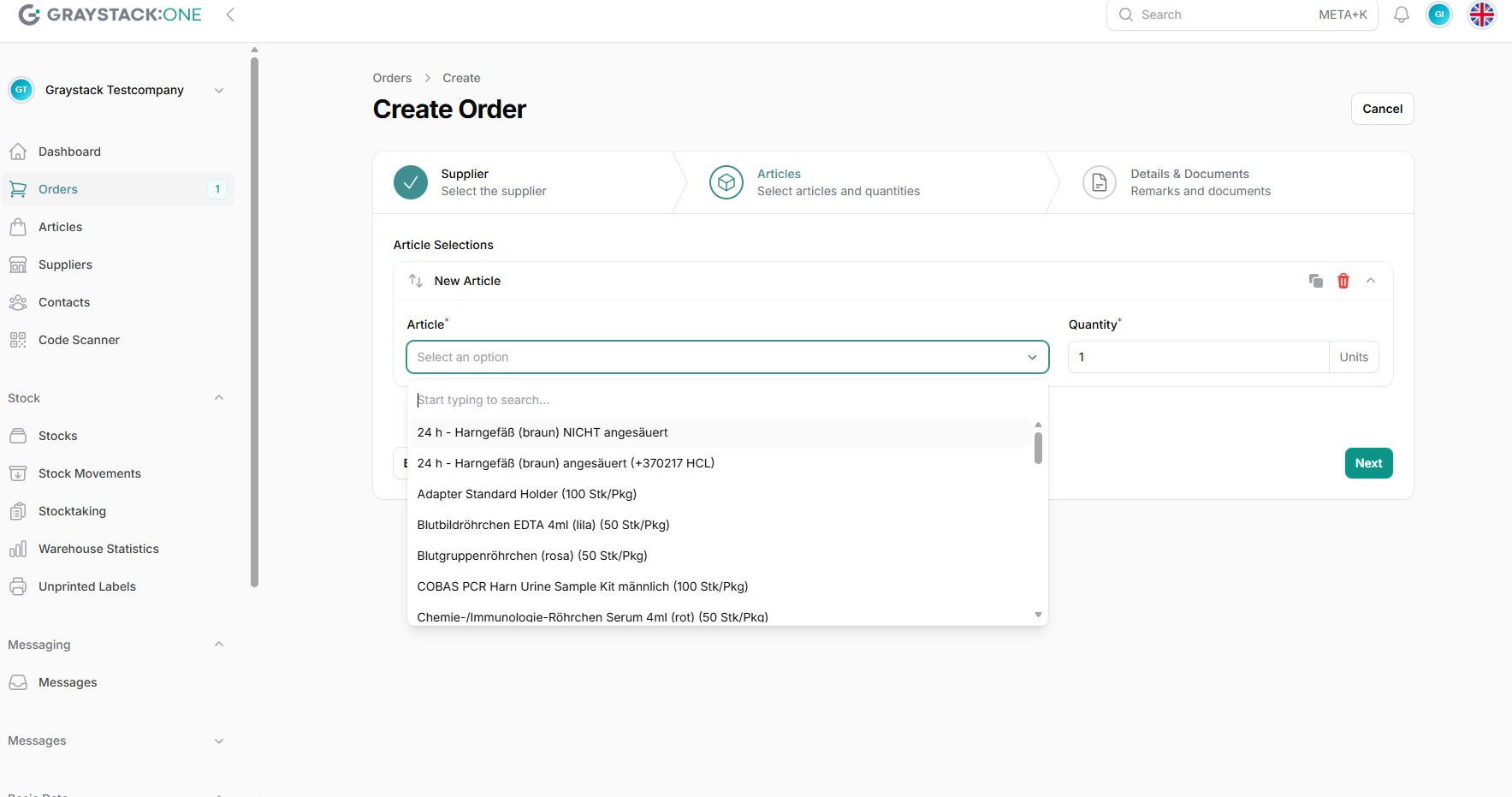
After selecting the supplier, you can add items to the order. Click on "Add Article" to choose items from the list.
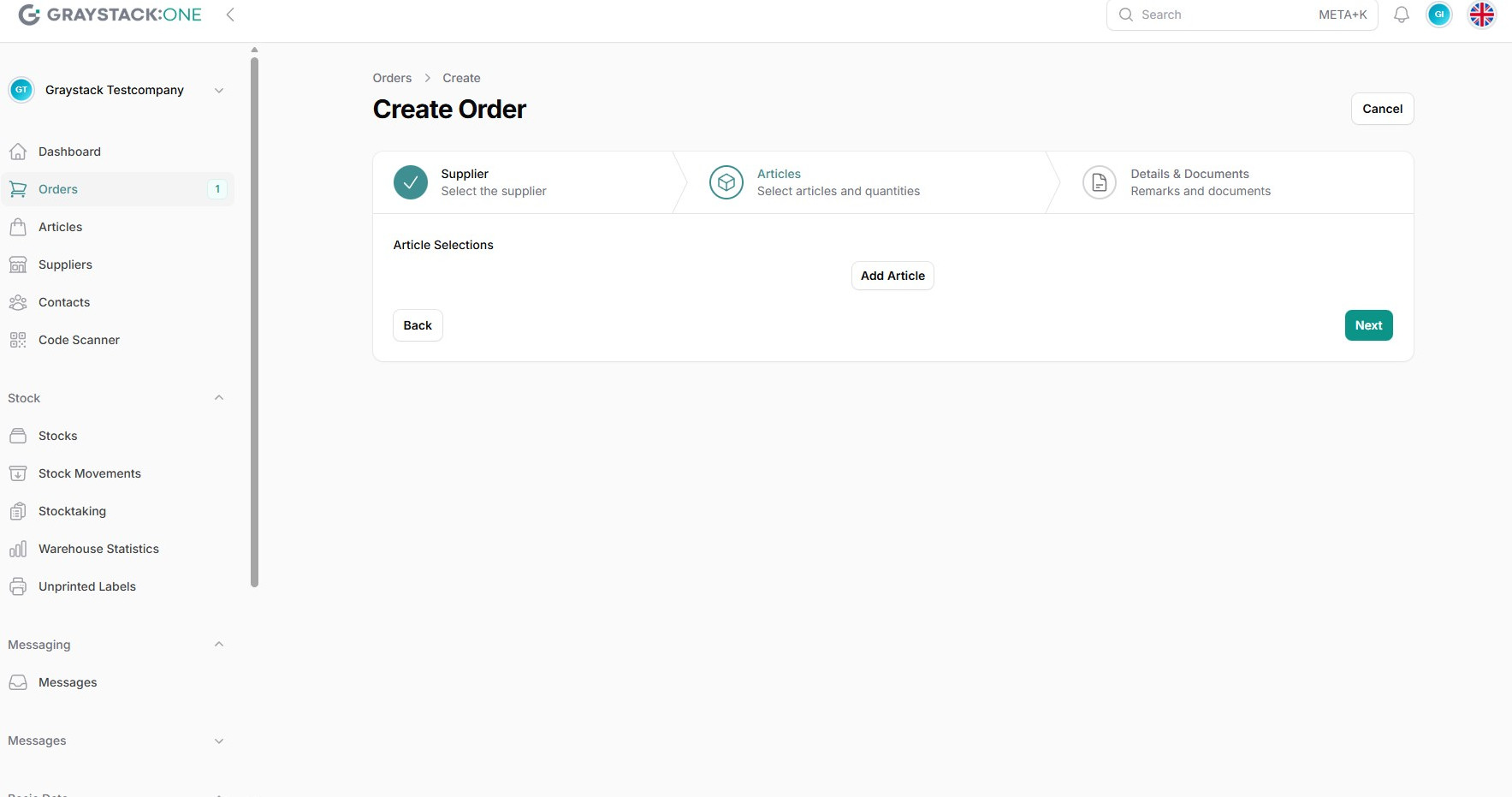
Configuring Order Quantities
Enter the desired quantity for each item and confirm the item.
Completing the Order
Review all details and click "Create Order" to complete the order. You will receive a confirmation of successful creation.