Changes on the web
If you use or have licensed Print Gateways, some things will change on your dashboard.
As already seen during installation, there is a new area for company administrators where the company's Print Gateways can be managed.
In the menu bar, you will find a new button that takes you to the printer queue. This is shared by all users and is updated in real time. This means that if, for example, someone places an order via mobile phone, you will see the labels prepared for printing here in this area. A small icon with the number of pending print jobs appears directly above the icon as soon as print jobs are open. The print jobs are automatically processed by the print gateway and the status of the jobs is updated. Completed jobs are no longer displayed in the list.
You can manually remove pending and failed jobs here.
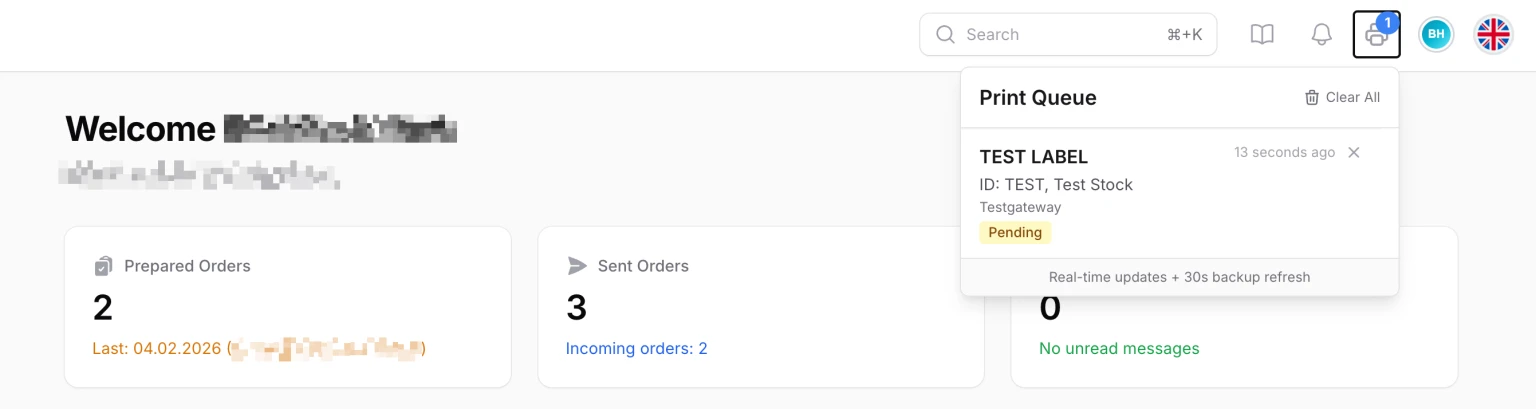
Failed jobs were automatically added to the unprinted labels as soon as the status "failed" was set by the Print Gateway.
For all printer selection options, such as in the company settings or when setting up the local label printer, all existing Print Gateways can be selected in addition to locally installed Dymo printers. The status (online/offline) of the gateway is also displayed here:

Print gateways are automatically marked as offline by Graystack:One if there has been no contact with the gateway within a certain period of time (approx. 5-10 minutes).
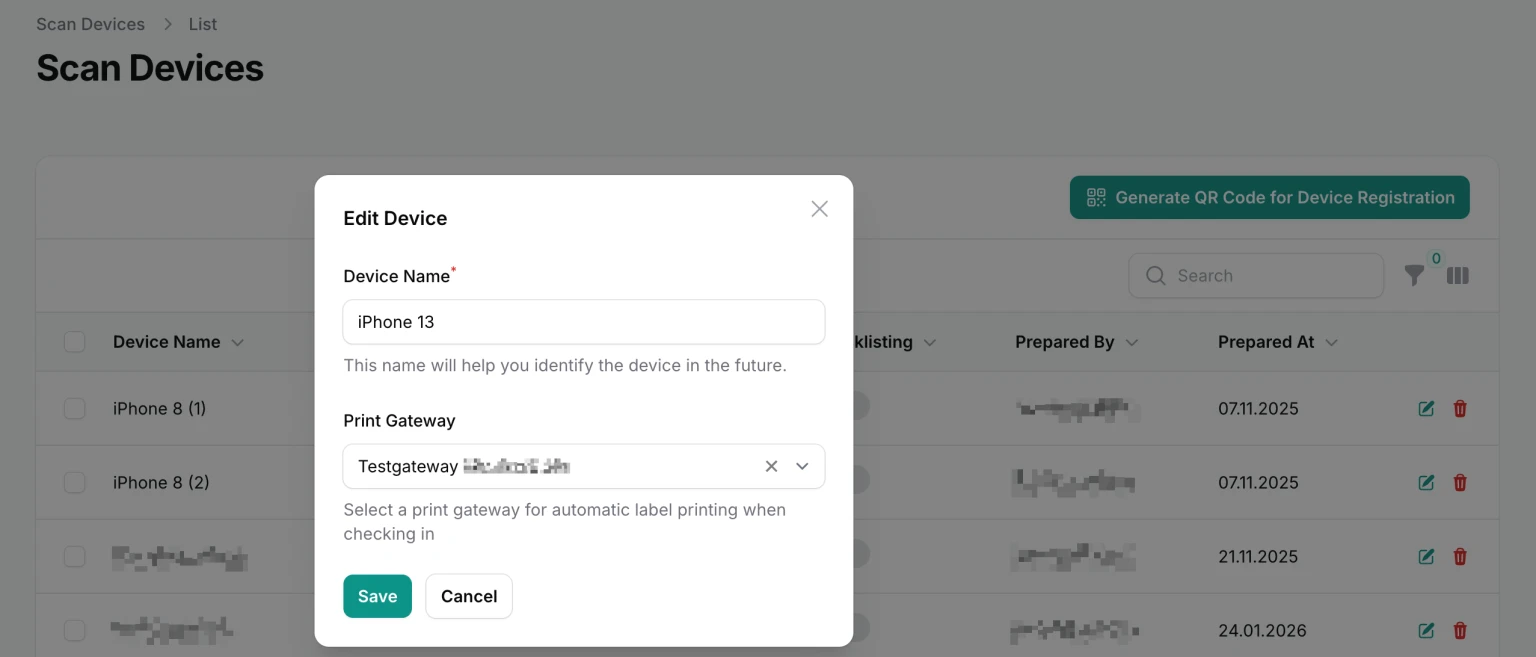
For Scandevices, you can now select the print gateway on which to print labels whose items were stored via this Scandevice.